Wappalyzer built its reputation as the default answer when someone wants to peek under the hood of any website. Marketers, developers, and sales teams have relied on it for years to identify what's powering a site — from CMS platforms and JavaScript frameworks to analytics scripts and payment processors.
The catch is that the free extension and the paid product are two very different things. The extension is free and excellent for a single site. The moment you want lists of companies running a technology, you're looking at $250/month before you've exported anything — and that plan only builds lists from 2 technologies.
We put seven alternatives through the same checks: how much each costs at the tier you'd actually use, how fresh its data is, and whether it can turn detection into a list you can act on. Whether you want a free Wappalyzer alternative or a cheap Wappalyzer alternative for prospecting, here's how they compare.
Disclosure: we build TechPeeker, one of the tools in this list. We've noted where competitors are the better pick, and where TechPeeker falls short.
Key takeaways
- Wappalyzer's extension is free, but lists start at $250/month on Pro, limited to 2 technologies. Unlimited list technologies start at $450/month on Business.
- TechPeeker is the cheapest route to technology-based lead lists we found: unlimited lists and exports from $99/month.
- WhatRuns and Web Reveal match Wappalyzer's free extension for one-off checks at no cost.
- BuiltWith and SimilarTech go deeper on market-level and historical data, at similar or higher prices.
- NerdyData is the pick when you need to search raw source code rather than named technologies.
- Bloomberry catches tool adoption and churn that never shows up in a website's code.
Wappalyzer pricing in 2026
It helps to know exactly what you'd be replacing. Wappalyzer splits into a free extension and a set of paid plans built on its crawled database:
| Plan | Monthly | Users | List technologies | Lookups/mo | API credits/mo |
|---|---|---|---|---|---|
| Free | $0 | 1 | Samples only | 50 | — |
| Pro | $250 | 1 | 2 | 5,000 | 5,000 |
| Business | $450 | 5 | Unlimited | 20,000 | 20,000 |
| Enterprise | $850+ | 25+ | Unlimited | 200,000+ | 200,000+ |
Annual billing saves 17%, and included API credits expire after 60 days.
The free extension is genuinely good — that's not the problem. The problem is the gap between it and the first paid tier. There's nothing in between for a freelancer or small agency that needs a few hundred leads a month, and that gap is exactly where most of the alternatives below compete.
The 7 alternatives at a glance
| # | Tool | Use cases |
|---|---|---|
| 1 | TechPeeker | Technology detection, lead generation, competitor analysis |
| 2 | BuiltWith | Website profiling, sales intelligence, data exports |
| 3 | WhatRuns | Browser extension for on-page tech discovery |
| 4 | SimilarTech | Web technology tracking, market analysis, lead lists |
| 5 | NerdyData | Source code search and technology discovery |
| 6 | Bloomberry | Real-time technographic signals, subscribe/churn alerts |
| 7 | Web Reveal | Free single-site scanning, Chrome extension, bulk lookups |
The 7 Wappalyzer alternatives
1. TechPeeker: best for outbound teams targeting companies by technology
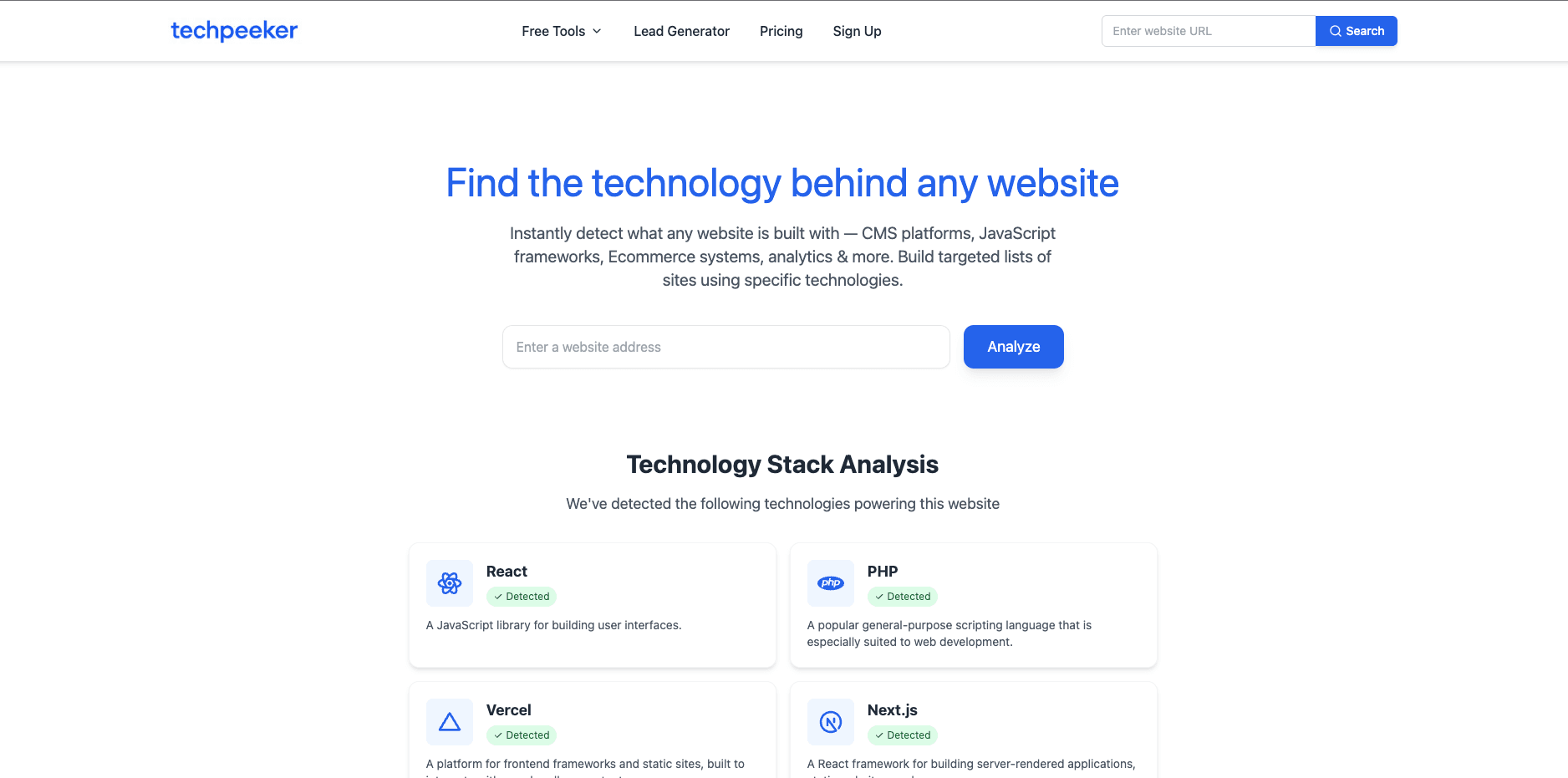
TechPeeker is a technology detection and lead generation platform built for marketers, agencies, and sales teams. It not only uncovers what technologies websites are running, but also helps you convert that data into targeted prospect lists. The platform offers advanced filtering, keyword-based searches, competitive analysis, and bulk exports — making it particularly valuable for outbound campaigns and market research.
Key features:
- Instant tech stack detection
- Technology-based lead generation
- Competitive analysis tools
- Data export and filtering
- API access for developers and custom integrations
Who it's for: people who don't just want to see what a website is running — they want to act on it. If your workflow involves building targeted lead lists by technology, running outbound campaigns, or identifying competitors' customers, TechPeeker is designed exactly for that. It shines brightest for agencies, SDR teams, and growth marketers who need filtered, exportable data they can use immediately rather than just browse.
| Plan | Monthly | Yearly | Includes |
|---|---|---|---|
| Free checker | $0 | — | Single-site technology lookups |
| Starter | $99 | $980 | Unlimited technology lists, keyword searches, leads per export, advanced filtering |
| Business | $149 | $1,480 | Everything in Starter + bulk lookup and API access (25,000 requests/mo) |
| Enterprise | Custom | Custom | Multiple users, bulk data, API access, dedicated account manager |
Watch out for: No years-deep adoption history like BuiltWith, and API access starts on the Business plan rather than Starter.
2. BuiltWith: best for market research and historical data
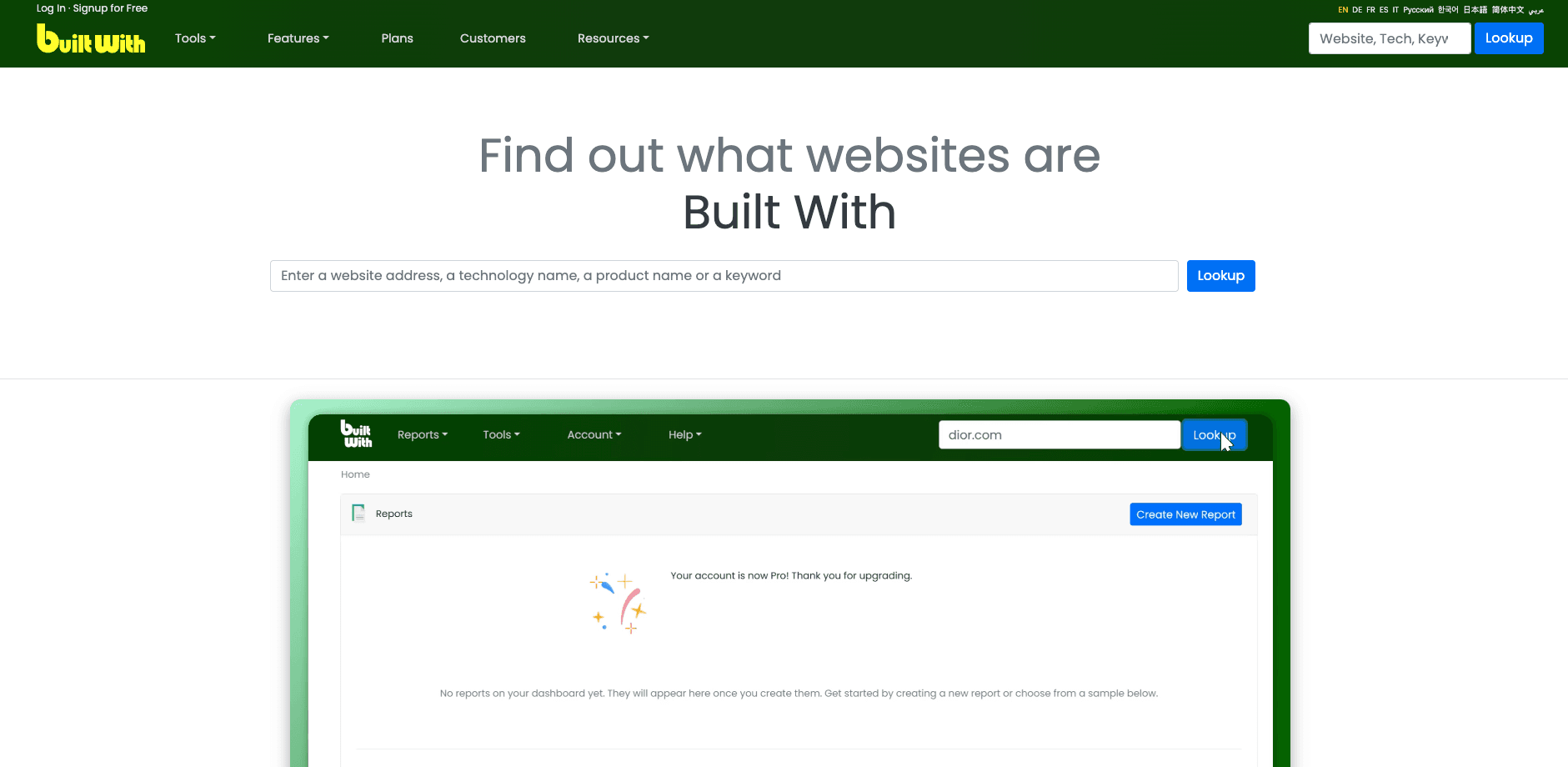
BuiltWith remains one of the most established website technology intelligence platforms in 2026. It's widely used by sales teams, market researchers, and enterprise organizations to analyze technology adoption across the web.
The platform allows users to search for domains using specific technologies, track technology market share, and export large datasets for analysis. BuiltWith is especially strong for historical data, with 18+ years of technology usage history on every plan. Its interface feels more dated than newer tools, and it's less optimized for fast, outbound-focused workflows.
Key features:
- Website technology detection
- Market share and trend analysis
- Large-scale data exports
- Historical technology tracking
- CRM-ready structured datasets
Who it's for: enterprises, analysts, and sales operations teams that need broad market visibility rather than quick prospecting. If you're conducting industry-wide research, tracking technology adoption over time, or feeding large datasets into BI tools or CRMs, BuiltWith excels.
| Plan | Monthly | Yearly | Technologies | Logins |
|---|---|---|---|---|
| Free | $0 | — | Single-site lookups | — |
| Basic | $295 | $2,950 | 2 | 1 |
| Pro | $495 | $4,950 | Unlimited | 1 |
| Team | $995 | $9,950 | Unlimited | Unlimited |
Watch out for: Pricing lands above Wappalyzer's, and Basic has the same 2-technology cap, so it rarely saves money — it's a switch for data depth, not budget. Read our BuiltWith alternatives comparison for the full breakdown.
3. WhatRuns: best for a free browser extension

WhatRuns is a lightweight browser extension that instantly detects the technologies used on any website you visit. It focuses on simplicity and speed, making it ideal for quick, on-page tech lookups.
Unlike platforms such as TechPeeker or BuiltWith, WhatRuns does not offer databases, lead generation, or bulk exports. Its value lies in instant visibility without leaving your browser.
Key features:
- Browser-based technology detection
- CMS, framework, and analytics identification
- No account required for basic use
- Extremely fast and lightweight
Who it's for: developers, designers, and researchers who need quick answers, not large datasets. If you're casually checking what tools a website uses — for inspiration, validation, or debugging — it's one of the fastest options available. It's not designed for sales, marketing, or large-scale research.
Pricing: free.
Watch out for: No database, no lists, no exports. It answers "what is this site running?" and nothing more.
4. SimilarTech: best for B2B sales and trend tracking
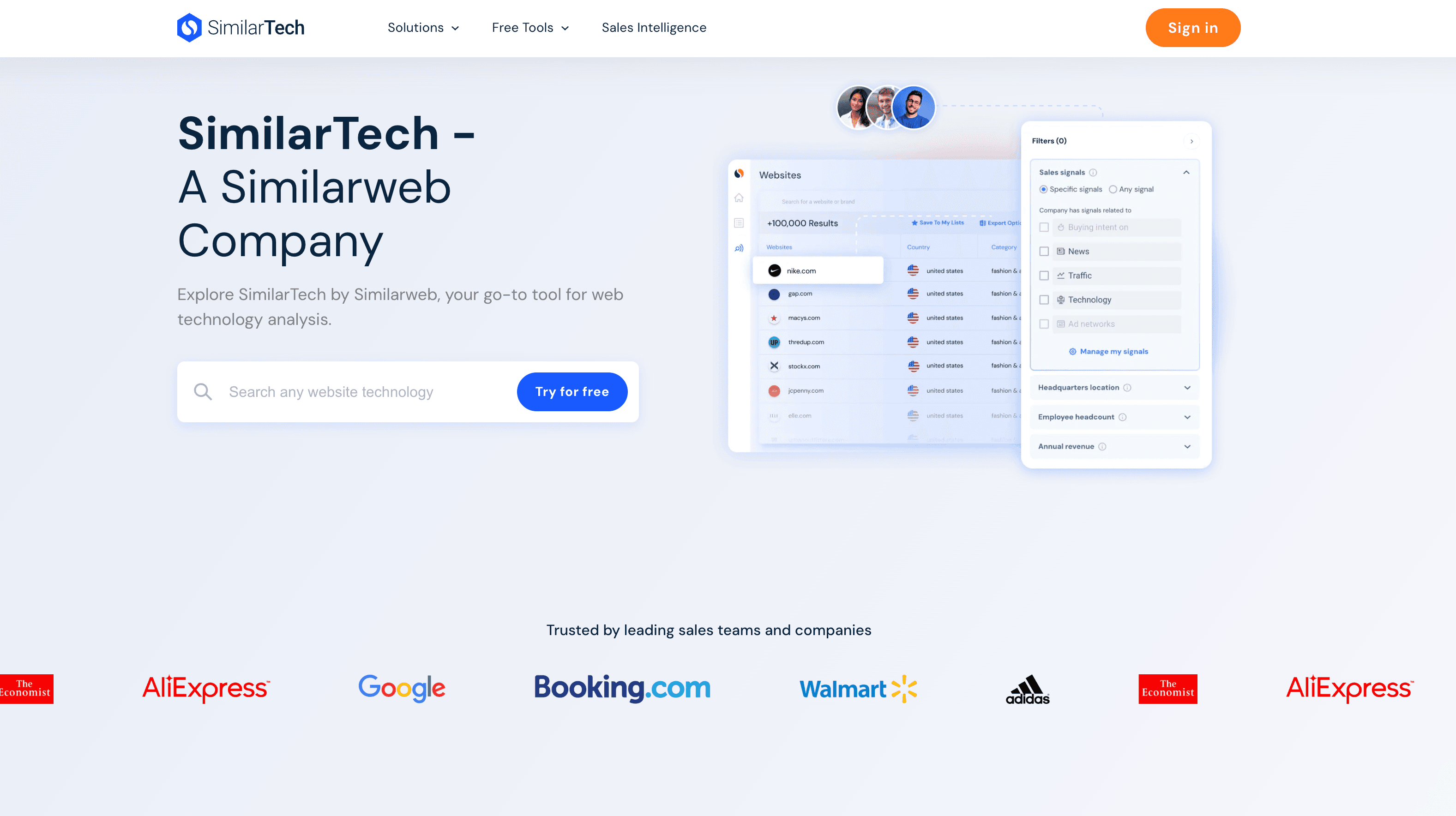
SimilarTech is a B2B-focused technology intelligence platform built for sales, marketing, and market research teams. It goes beyond simple detection by tracking technology adoption trends across industries and showing how tools gain or lose market share over time.
Its reports are highly data-driven, making it especially useful for enterprise teams and analysts — though pricing reflects its enterprise positioning.
Key features:
- Technology usage and adoption tracking
- Market share and trend reports
- Account-based targeting insights
- Industry and competitor analysis
- CRM and sales workflow integrations
Who it's for: enterprises, SaaS companies, and market analysts who care about macro-level insights rather than individual website lookups. If you want to understand how platforms like Shopify, HubSpot, or React are trending across thousands of companies, SimilarTech provides strong analytical depth.
| Plan | Price | Includes |
|---|---|---|
| Starter | ~$199–$299/mo (est.) | Technology tracking and reports |
| Professional & Enterprise | Custom | Priced by data volume, users, and integrations |
Watch out for: Pricing isn't fully public, and the product is built for market analysis more than quick prospecting.
5. NerdyData: best for source code search
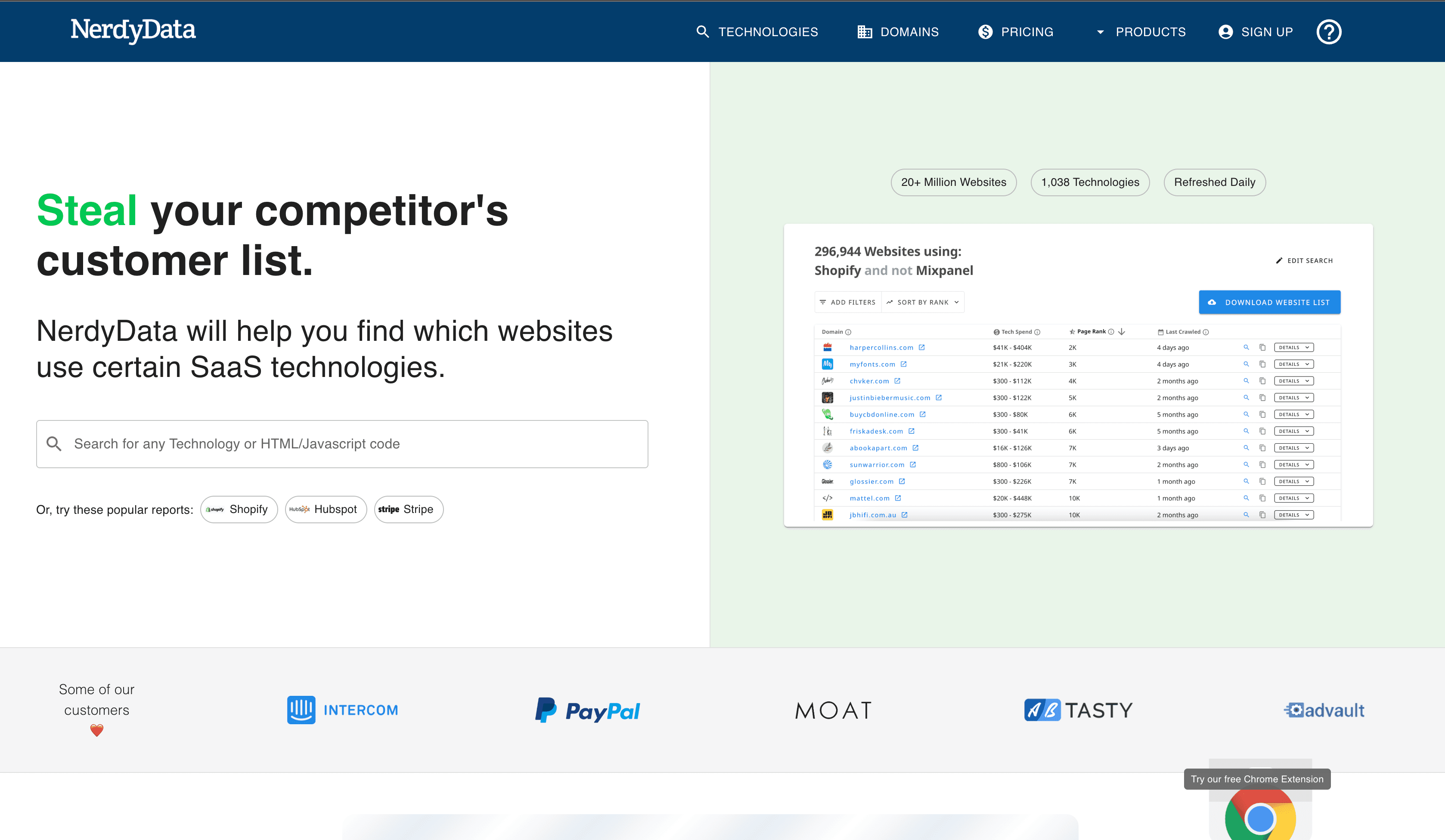
NerdyData takes a unique approach by acting as a source code search engine. Instead of simply detecting technologies, it lets users search websites by specific code snippets, scripts, tags, or HTML patterns.
This makes it a powerful tool for advanced developers, SEOs, and technical marketers — though it's less beginner-friendly than most alternatives.
Key features:
- HTML and source code search
- JavaScript, script, and tag detection
- Niche website discovery
- Historical code tracking
Who it's for: advanced users who want full control and precision. If you're searching for websites running very specific scripts, analytics tags, or custom code implementations, NerdyData offers unmatched flexibility.
| Plan | Monthly | Includes |
|---|---|---|
| Free | $0 | 50 rows per search |
| Basic | $200 | 5,000 rows per download, unlimited downloads |
| Pro | $300 | 200,000 rows, bulk enrichment, advanced filters |
| Enterprise | $1,000 | 1M rows, large enrichment quotas |
Watch out for: You need to know what code snippet to search for. Non-technical users will find it harder than a named-technology search.
6. Bloomberry: best for real-time technographic signals

Bloomberry delivers real-time technographic signals for sales and GTM teams. Unlike conventional tech detection tools (like BuiltWith) that only capture what's visible on a website, Bloomberry reads infrastructure signals like new subdomains and DNS records rather than scanning for scripts. That lets it monitor 1,700+ B2B products, including the ones companies use behind the scenes like AI tools such as ChatGPT, CRMs like HubSpot, HR platforms, security tools, and more.
You receive alerts when companies subscribe to or churn from these products, so you can engage prospects at the right moment.
Key features:
- Real-time subscribe/churn alerts when companies adopt or leave tools in your category
- 1,700+ B2B products in 190 categories, from widely adopted enterprise tools to emerging software
- Purchase and churn signals for GTM timing, useful when a company enters a buying cycle or drops a competitor
- API and integrations to enrich CRM data and automate workflows with Slack, Clay, n8n, or custom pipelines
- Account intelligence on recent technology decisions to tailor sales or marketing messaging
Who it's for: sales, GTM, and revenue ops teams who want timely signals about when prospects are most receptive — ideal for displacement campaigns and intent-based outreach.
| Plan | Monthly | App access | API access |
|---|---|---|---|
| Starter (App) | $199 | 2 vendors, unlimited exports, 20 users | — |
| Pro (App) | $299 | 5 vendors | — |
| Starter (API) | $199 | — | All vendors, 6,633 credits |
| Pro (API) | $299 | — | All vendors, 13,000 credits |
Watch out for: It tracks B2B products and buying signals, not front-end stacks — you'll still want a detector for CMS or framework questions.
7. Web Reveal: best for a free scan and a lightweight Chrome extension
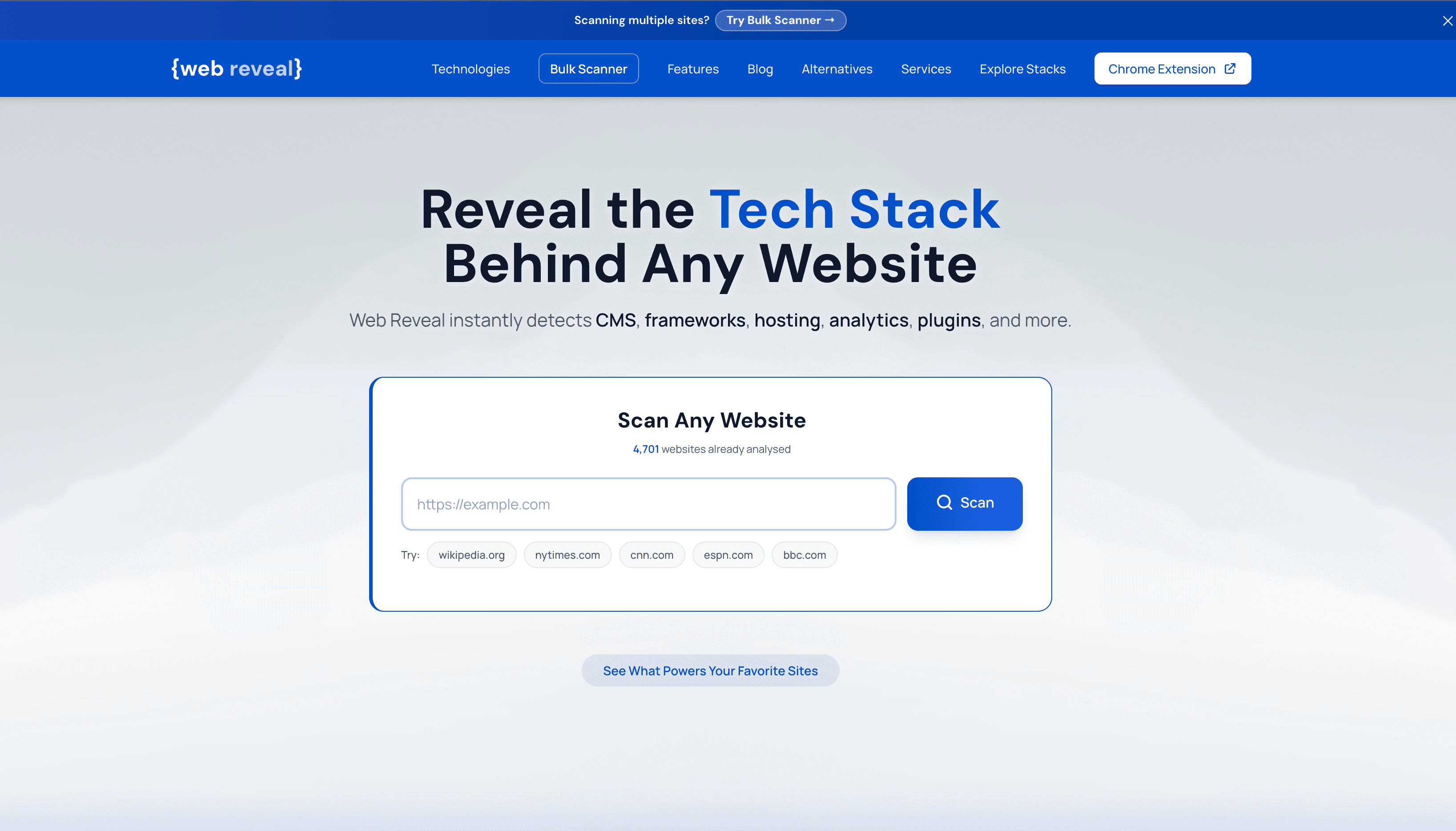
Web Reveal takes a no-frills approach to tech detection, scanning a site's HTML, scripts, and response headers to surface its CMS, frameworks, hosting provider, analytics, and plugins. A free scanner and browser extension cover one-off lookups, while a paid Bulk Scanner steps in when you need to check dozens or hundreds of domains in one go.
It also maintains a public feed of technology rankings pulled from its own scan history, giving a rough read on which frameworks, CDNs, and analytics platforms show up most often across the sites it has crawled.
Key features:
- One-click Chrome extension, no signup needed
- Bulk Scanner for up to 100 domains a day with CSV export
- Public tech reports and a live scan feed
- Category-level technology popularity rankings
Who it's for: anyone who wants a fast, free read on what a site is running, with the option to scale up to checking many domains at once without jumping straight into an enterprise-priced tool.
| Plan | Price | Includes |
|---|---|---|
| Free | $0 | Single-site scans via web tool and Chrome extension |
| Bulk Scanner | $19.99/mo | 100 scans per day with CSV export |
Watch out for: It scans domains you give it; it won't find companies by technology for you.
Extension vs. database: why answers differ
Wappalyzer's own extension and its lead lists don't always agree. That isn't a bug — they're two different data sources, and every tool on this list uses one or both.
- Live, on-page detection (Wappalyzer extension, WhatRuns, Web Reveal): reads the page you're on right now. Always current for that site — but it only works one site at a time, and only when you already know which site to check.
- Crawled database (Wappalyzer lists, TechPeeker, BuiltWith, SimilarTech, NerdyData): sites are crawled and stored so you can ask "who runs Shopify?" across millions of domains. Each record is only as fresh as its last crawl.
The workflow that works best: build the list from a database, then spot-check your highest-value accounts with a free extension before reaching out. A company that migrated platforms last month is often your best prospect — and the one a stale record is most likely to get wrong.
What each entry plan actually unlocks
Sticker prices are hard to compare when one tool sells rows, another sells scans, and another is unlimited. Here's the cheapest paid plan for each, sorted by price:
| Tool | Entry price | You're limited by |
|---|---|---|
| WhatRuns | Free | One site at a time, no exports |
| Web Reveal | $19.99/mo | 100 domain scans per day |
| TechPeeker (ours) | $99/mo | Nothing on lists or exports — unlimited |
| Bloomberry | $199/mo | 2 vendors per app plan |
| SimilarTech | ~$199–$299/mo (est.) | Plan-based; pricing not fully public |
| NerdyData | $200/mo | 5,000 rows per download |
| Wappalyzer | $250/mo | 2 lead-list technologies, 5,000 lookups |
| BuiltWith | $295/mo | 2 technologies, 2 keywords |
Metered plans look cheaper until your volume grows. If you're exporting leads every week, an unlimited plan usually costs less within the first month or two.
Which tool fits your use case?
| If you… | Use | Why |
|---|---|---|
| Are building outbound lead lists | TechPeeker | Unlimited technology lists and exports from $99/month, with filtering built for prospecting |
| Just want to check a site while browsing | WhatRuns or Web Reveal | Free extensions that answer the question instantly, same as Wappalyzer's |
| Need market share or historical trends | BuiltWith or SimilarTech | Deeper archives and market-level reporting, if the budget allows |
| Need a specific script or code snippet | NerdyData | Searches raw source code instead of a fixed list of technologies |
| Care about timing, not just the stack | Bloomberry | Alerts when companies adopt or drop tools, including ones never visible on a website |
| Already have a domain list | Web Reveal Bulk Scanner | Scans up to 100 domains a day with CSV export for $19.99/month |
Full feature comparison
"—" means the feature isn't a core part of the product or wasn't publicly listed when we wrote this.
| Feature | Wappalyzer | TechPeeker | BuiltWith | WhatRuns | SimilarTech | NerdyData | Bloomberry | Web Reveal |
|---|---|---|---|---|---|---|---|---|
| Free option | Extension + 50 lookups | Checker | Single-site lookups | Yes | — | 50 rows | Trial | Extension |
| Browser extension | Yes | — | — | Yes | — | — | — | Yes |
| Lead lists by technology | 2 techs on Pro | Unlimited | 2 techs on Basic | No | Yes | Code search | Yes | No |
| Bulk domain lookup | Paid | Business+ | Yes | No | — | — | — | 100/day |
| API access | Pro+ | Business+ | Pro+ | No | — | — | Separate plans | — |
| Historical data | — | — | 18+ years | No | Yes | Yes | — | No |
| Adopt / churn signals | No | No | No | No | No | No | Yes | No |
| Entry paid price | $250/mo | $99/mo | $295/mo | Free | ~$199/mo | $200/mo | $199/mo | $19.99/mo |
Why TechPeeker is the most affordable Wappalyzer alternative for lead lists
All-in-one platform
You don't need multiple subscriptions. TechPeeker combines technology detection, lead generation, and competitive intelligence in one place.
Regularly updated data
The database is regularly re-crawled, so lists reflect recent technology changes — and the free checker gives you a live read on any single site.
Built for action
Unlike passive detection tools, TechPeeker is designed to help you take action — whether that's generating leads, researching competitors, or identifying market opportunities.
Affordable pricing
Paid plans start at $99/month with unlimited technology lists, compared with $250/month for 2 list technologies on Wappalyzer Pro or $295/month on BuiltWith Basic.
FAQs
How much does Wappalyzer cost in 2026?
Wappalyzer's browser extension is free, and a free account adds 50 lookups a month. Pro is $250/month but limits lead lists to 2 technologies, Business is $450/month with unlimited list technologies and 5 users, and Enterprise starts at $850/month.
What is the best free Wappalyzer alternative?
For one-site-at-a-time checks, WhatRuns and Web Reveal both offer free browser extensions, and TechPeeker's website technology checker is free to use. If you need lists of companies by technology, no free tool does that well — that is where paid plans start.
What is the cheapest Wappalyzer alternative for lead generation?
TechPeeker starts at $99/month with unlimited technology lists, keyword searches, and leads per export — well under Wappalyzer's $250/month Pro plan, which caps lead lists at 2 technologies.
Why does Wappalyzer's extension sometimes disagree with its lead lists?
The extension scans the page you're looking at in real time, while lead lists come from a crawled database. If a site changed platforms since its last crawl, the two can disagree. The same applies to every database-backed tool on this list.
Is Wappalyzer better than BuiltWith?
For quick in-browser checks, Wappalyzer is faster and free. BuiltWith goes deeper on historical adoption data, with 18+ years of history on every plan. Both limit their entry plans to 2 list technologies, which is why many teams compare them against cheaper tools like TechPeeker.
Final thoughts
Wappalyzer is a solid tool, but it's no longer the only game in town — and depending on your needs, it may not be the right one. For fast browser-based detection, WhatRuns is hard to beat. For enterprise-grade market data, BuiltWith and SimilarTech go deeper. And if your goal is actionable lead generation from technographic data, TechPeeker offers the best balance of depth, usability, and price.
Check any website's tech stack for free
Look up a site in seconds, then build unlimited prospect lists from the technologies you sell into.