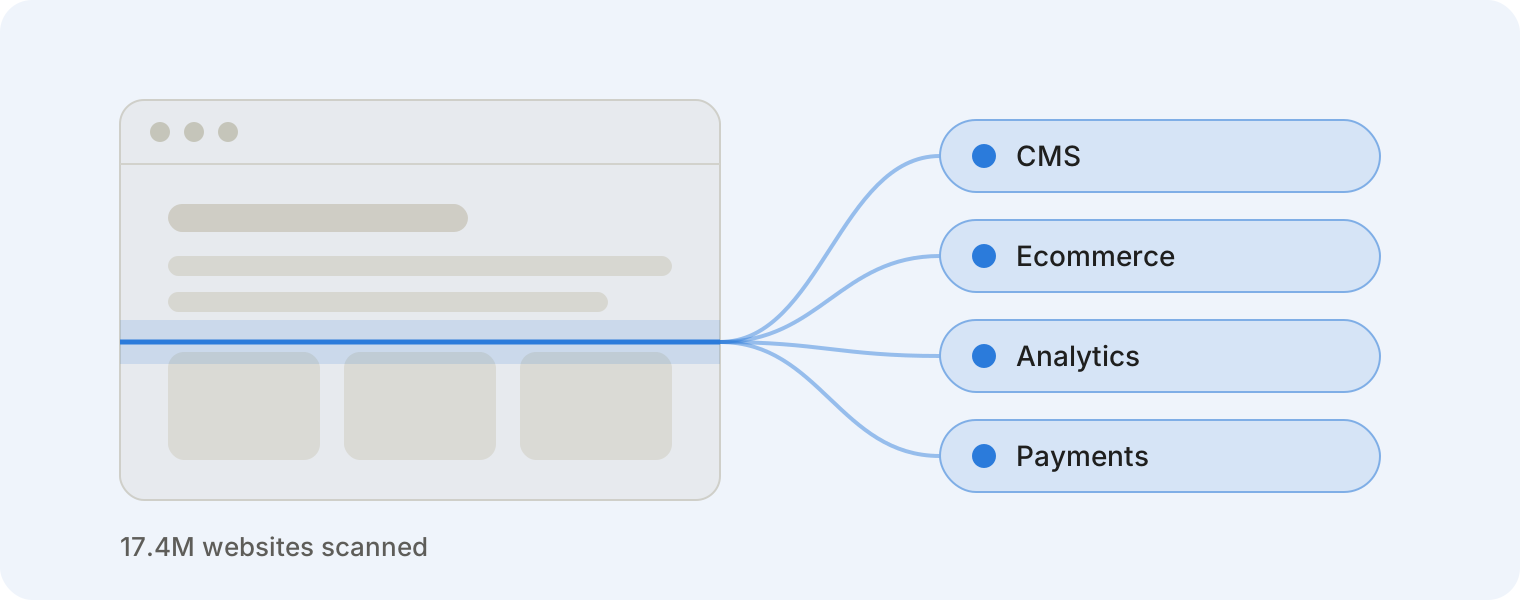
Technographic data tells you which technologies a company uses: its CMS, ecommerce platform, analytics, payment tools, marketing software and more. Where firmographic data describes what a company is, technographic data describes what it runs.
That difference matters. If you sell a Shopify app, a company's industry and headcount tell you little. Knowing that it runs Shopify, and which apps it already has, tells you almost everything.
In this guide, we explain what technographic data is, how it's collected and who uses it, with real examples from our crawl of 17.4 million websites.
Technographic vs. firmographic vs. intent data
B2B teams usually combine three kinds of company data. Each answers a different question.
| Data type | Question it answers | Examples |
|---|---|---|
| Firmographic | Who is this company? | Industry, size, location, revenue |
| Technographic | What does it run? | Shopify, HubSpot, Stripe, WordPress |
| Intent | Is it shopping right now? | Research activity, content views |
Firmographics define your market. Technographics tell you who in that market actually fits your product, and what they use today.
How technographic data is collected
There are two main methods, and each sees something the other misses.
Website crawling. A crawler visits a site and reads its HTML, scripts, headers and cookies. Most tools leave a fingerprint there: a Shopify theme file, a Google Analytics tag, a Klaviyo script. This is how TechPeeker works. It's fast, it's based on what's actually live on the site, and it covers any business with a website, from a three-person online store to a global brand.
Job postings. Some providers scan job ads instead. If a company is hiring a "Salesforce administrator," it probably uses Salesforce. This method can reveal internal tools that never appear on a website, such as databases or ERPs.
The tradeoff: job-based data only covers companies that hire, and hire often. Most small businesses and online stores rarely post jobs, so they are invisible to that method. Website crawling sees them.
Neither method sees everything. A tool that leaves no public trace on a site won't be detected by a crawler. That's why the best results often combine both.
What a technographic record looks like
Each record ties a website to the technologies detected on it. Here is an illustrative example (not a real site):
| Field | Example |
|---|---|
| domain | example-store.com |
| title | Example Store – Handmade Goods |
| technologies | Shopify, Klaviyo, Judge.me, Google Tag Manager |
| tld | .com |
| language | en |
| social_links | instagram, facebook |
From one row like this, you already know a lot. This is a Shopify store, it sends email through Klaviyo and collects reviews with Judge.me. If you sell a Klaviyo competitor or a reviews app, this is a qualified lead.
Real numbers from 17 million websites
Our latest crawl covers 17.4 million websites across 515 top-level domains, with an average of 5 technologies detected per site. Among them, we detected more than 2.7 million ecommerce stores.
Beyond ecommerce, WordPress runs on 6.8M+ sites in our data, React on 864K+ and HubSpot on 117K+. Each of those is a ready-made list for anyone selling to that tool's users.
Need all of it at once? Get the full technographic dataset.
Who uses technographic data
- Sales teams build prospect lists by tech stack. "Every WooCommerce store in Germany without a live chat tool" becomes a filter, not a research project.
- SaaS and app companies find stores running a competitor and pitch a switch, or target stores using a tool they integrate with.
- Payment and shipping providers spot merchants using a rival and size their market by country.
- Investors track how fast platforms gain or lose sites, and check the customer counts a company claims.
- Sales intelligence platforms license technographic records to enrich their own databases.
- Researchers and analysts study technology adoption across countries, languages and industries.
How to get technographic data
You can start small and scale up:
- Check a single site for free. Paste any URL into the TechPeeker website technology checker and see its full stack in seconds.
- Build a list. Filter websites by the technologies they use and export the results as CSV.
- License the full dataset. For bulk needs, our technographic dataset covers 17M+ websites, delivered as CSV, JSON, Excel or a database export.
Want to check coverage first? Request a free sample with the technologies and markets you care about.
See what any website runs
Check a site free, or get the full technographic dataset for 17M+ websites.