Knowing which apps a Shopify store runs tells you a lot about it. A store using Klaviyo invests in email marketing. A store using Recharge sells subscriptions. A store that just installed a reviews app is actively improving its conversion rate.
That makes app usage one of the sharpest filters for B2B prospecting. If you sell a Klaviyo integration, an email agency service, or a competitor to Recharge, the stores already using those apps are your warmest leads.
This guide covers three ways to find them:
- Check one store manually (free, 2 minutes per store)
- Mine the Shopify App Store reviews (free, slow, partial)
- Build a full list with a technographic tool (fastest, exportable)
Pick based on how many stores you need. For a handful, the free methods are enough. For hundreds or thousands, you'll want a database.
Method 1: Check a single store (free)
Most Shopify apps that touch the storefront load a script or widget on the page. That leaves a trace you can find in the source code.
Do it by hand
- Open the store in Chrome.
- Right-click and choose View page source (or press
Ctrl+U/Cmd+Option+U). - Press
Ctrl+F/Cmd+Fand search forcdn.shopify.comto confirm it's a Shopify store. - Search for the app's name, such as
klaviyo,judge.me,yotpo,rechargeorgorgias.
If the name shows up in a script URL or a widget's code, the store almost certainly uses that app.
Do it faster with a free detector
Paste the store's URL into TechPeeker's free Shopify App Detector. It checks the page for you and lists the apps it recognizes, so you don't have to know what each app's code looks like.
The limits: this works one store at a time, and only for apps that show up on the storefront. Back-office apps, like inventory or accounting tools, usually leave no trace in the page code. And you still need a list of stores to check in the first place.
Method 2: Mine Shopify App Store reviews (free, partial)
Reviews on the Shopify App Store show the name of the store that left them. That makes each app's review page a small, public list of real users.
- Go to the app's page on
apps.shopify.com. - Open the reviews and sort by most recent.
- Note the store names, then search for each one to find its website.
Recent reviewers are especially useful: they installed the app lately, so they're still forming opinions about it. If you sell a competing app, that's a good moment to reach out.
The limits: only a small share of users ever leave a review. Store names don't always match domains, and copying them one by one takes hours. Use this for research or a short list, not for a full campaign.
Method 3: Build a full list with TechPeeker (fastest)
When you need hundreds or thousands of stores, you need a database that has already scanned them. TechPeeker tracks 800+ technologies across more than 17 million websites, including common Shopify apps.
- Search for the app. Look up the app by name, for example Klaviyo, to see the websites detected using it.
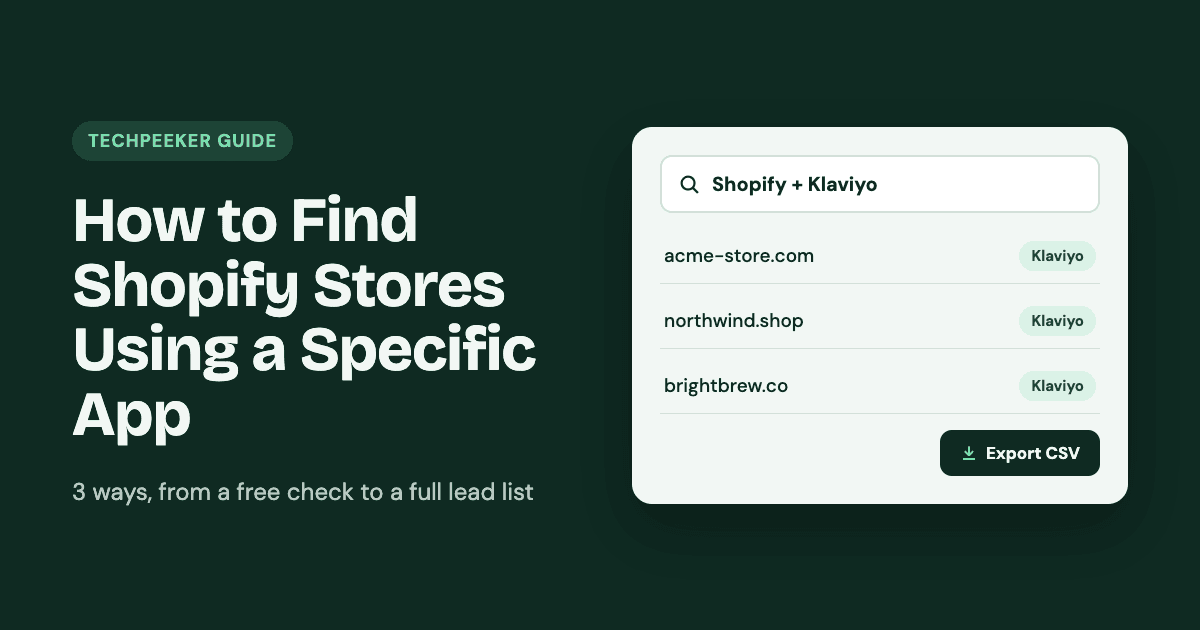
- Combine technologies. Narrow it to Shopify stores using that app, and add more technologies if your offer needs them, such as "Shopify + Klaviyo + Recharge."
- Filter. Use the filters to focus on the stores that match your ideal customer.
- Export. Download the list as a CSV for your CRM or outreach tool.
On the Starter plan ($99/month), technology lists and exports are unlimited, so you can build a new list for every campaign without counting credits. Business ($149/month) adds bulk lookup and API access.
Tip: confirm your most valuable accounts with the free App Detector before outreach. Any database reflects its last scan, and stores do switch apps.
Which method should you use?
| Method | Cost | Stores per hour | Best for |
|---|---|---|---|
| View source / free detector | Free | ~20–30 | Checking a prospect before a call |
| App Store reviews | Free | ~10–20 | Finding recent adopters of one app |
| TechPeeker list | From $99/mo | Thousands | Full outbound campaigns |
Turning the list into customers
A list of app users is only useful if your message shows why you contacted them. A few ways to use what you know:
- Mention the app. "Saw you're running Klaviyo on [store]" proves the email isn't a mass blast.
- Sell the next step, not the basics. A store already using Klaviyo doesn't need to hear why email matters. Pitch what improves its results, like better flows, segmentation or an integration.
- Target combinations. "Shopify + Recharge, but no reviews app" is a gap you can pitch directly.
- Watch for switches. A store that recently dropped a competitor's app is often open to alternatives.
FAQs
Can I see every app a Shopify store uses?
No. You can only detect apps that load something on the storefront, like scripts, widgets or pop-ups. Back-office apps usually leave no public trace.
Is it legal to collect this data?
Detecting technologies from a public website reads information any visitor's browser receives. When you email the businesses you find, follow the rules that apply to you, such as GDPR in the EU or CAN-SPAM in the US.
How do I find Shopify stores using Klaviyo specifically?
For one store, search its page source for "klaviyo" or use the free Shopify App Detector. For a full list, search Klaviyo in TechPeeker, filter to Shopify stores, and export.
Start your list
Check any store free with the Shopify App Detector, or see pricing to build unlimited app-based lists.