Best Website Technology Checker Tools for 2026
Updated May 14, 2026 • by Pluto
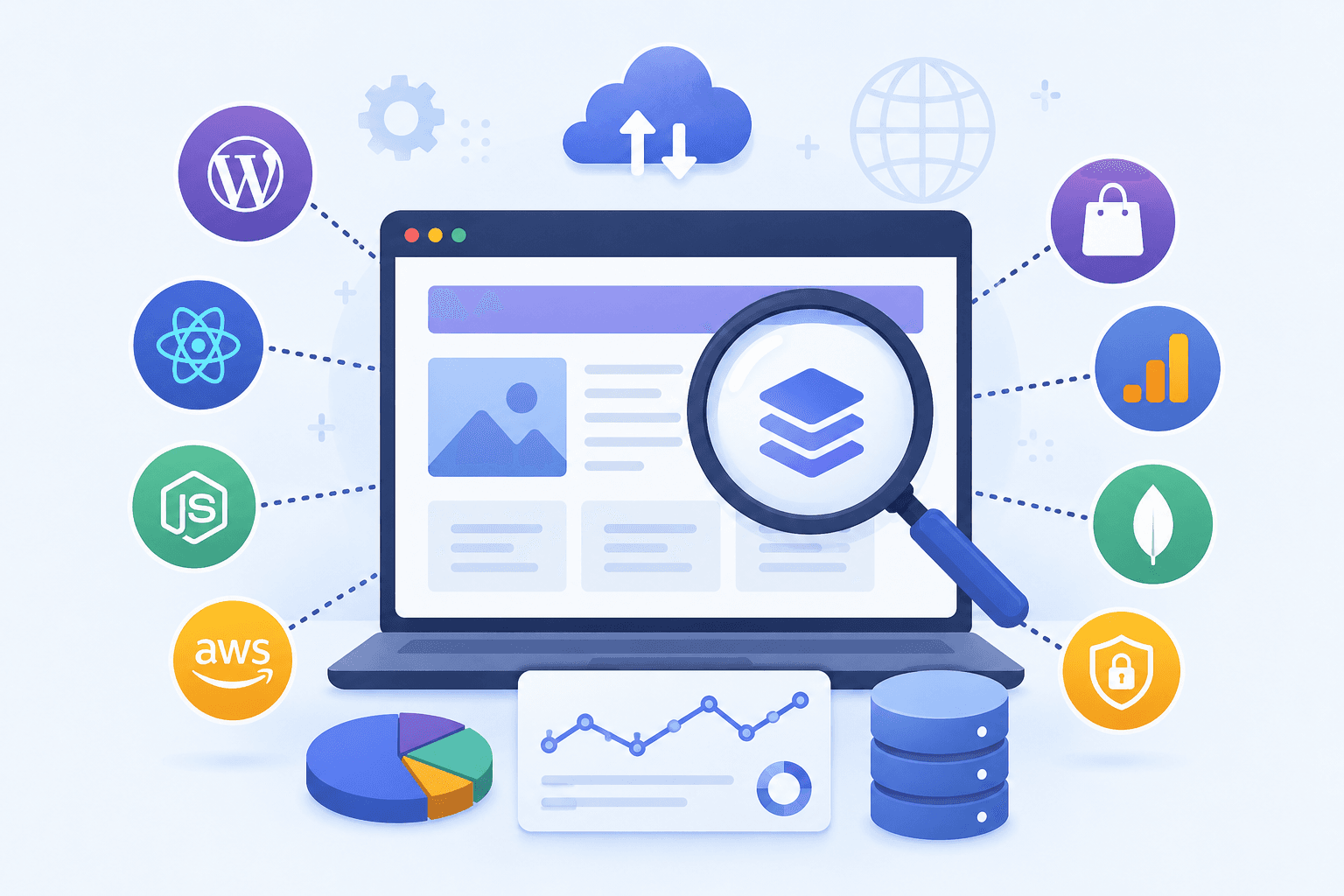
We compared the most accurate and reliable tools for detecting a website's tech stack in 2026. Whether your goal is streamlined development, in-depth market research, or smarter sales prospecting, understanding the technologies powering websites can transform your efforts. Dive in to see which free tools and premium options lead the pack and how to leverage live tech stack data for strategic advantage in 2026.
Why Analyzing a Website's Technology Stack Matters
Understanding a website's technology stack provides unique insight for development, marketing, and sales teams striving for digital excellence. A detailed tech stack analysis can reveal the building blocks behind any site's performance, security context, and user experience. Modern detection tools allow professionals to go beyond the surface by uncovering CMS detection results, database choices, and framework uses—helping shape everything from competitive strategies to security context assessments.
Best Website Technology Checker Tools: Comparison
Navigating the crowded field of tech stack detection tools means comparing speed, accuracy, integrations, and use case suitability. For 2026, TechPeeker, Wappalyzer, BuiltWith, and WhatRuns consistently lead in tested results, live detection, and stack data export.
| Tool | Browser Extension | API Access | CMS Detection | Live / Bulk | Best For |
|---|---|---|---|---|---|
| TechPeeker | Yes | Yes | Advanced | Live / Bulk | Instant checks, scalable automation |
| Wappalyzer | Yes | Yes | Reliable | Live | Quick site scans, research |
| BuiltWith | No | Yes | Comprehensive | Bulk | Market analysis, enterprise |
| WhatRuns | Yes | No | Moderate | Live | Instant checks |
TechPeeker: Best Overall Tool and API
TechPeeker stands out for its complete API, making it ideal for automated workflows and bulk detection. Its tested algorithms offer live analysis and robust CMS detection—detecting popular platforms, frameworks, security context, and even underlying database technologies. Free tools and premium plans support everything from quick spot-checks to automated enterprise-grade market sweeps, delivering versatility for digital teams.
For developers and marketers seeking integration with CRM or analytics platforms, TechPeeker's broad API coverage and export options make it a leading choice. Its high detection breadth offers reliable tech stack intelligence for both competitive analysis and technical due diligence projects.
Key Features:
- Instant tech stack detection
- Full REST API for automation and bulk detection
- Technology-based lead generation
- Competitive analysis tools
- Data export and advanced filtering
Wappalyzer: Popular Browser Extension and API
Wappalyzer remains a trusted browser extension used by tens of thousands of marketers and developers for instant, live detection. Its API enables bulk research, while the extension gives real-time snapshot data as you browse. Use cases range from on-the-fly tech stack review to scalable prospect research, thanks to its user-friendly design. Its regular database updates improve live detection for everything from frameworks to e-commerce platforms.
Wappalyzer shines in real-world scenarios where time equals money. Its CMS detection reliability, tested site scanner, and integration potential solidify its popularity for market research, competitor analysis, and security context audits. If you've hit its usage limits or want deeper lead-generation features, see our full Wappalyzer alternative comparison.
WhatRuns and Other Notable Tools
WhatRuns offers a lightweight browser extension focused on user-friendly, live checks. Its detection database handles a wide selection of CMS, frameworks, and analytics platforms, making it valuable for quick comparisons and developer spot-checks. Although it lacks a bulk API, WhatRuns is favored for on-demand, free stack analysis during browsing.
Other notable tools, including BuiltWith, excel in advanced market analysis and large-scale data exports. BuiltWith's comprehensive databases and bulk capabilities make it a prime choice for market researchers and sales teams, though its pricing and interface push some users to look for a BuiltWith alternative.
How to Choose and Leverage Tech Stack Data Effectively
Selecting the right website technology checker hinges on data freshness, detection breadth, available integrations, and your team's workflows. To drive value from stack data, you need a clear understanding of core features, privacy concerns, and how extracted insights can underpin targeted, tested strategies.
Key Factors When Selecting a Technology Checker Tool
Critical selection factors include up-to-date detection databases, comprehensive CMS detection, analytics and reporting capabilities, and seamless integrations with other systems. For privacy concerns, evaluate what data is stored or shared— especially when using free tools or browser extensions. Bulk scanning, reliable API access, and clear security context reporting determine whether a tool serves simple on-demand use or heavy automated research.
Matching the Right Tool with Your Use Case
Decide whether you need instant, live checks—best served by browser extensions like Wappalyzer or WhatRuns—or robust, bulk scanning, as with BuiltWith or TechPeeker. For market research, prioritize detection breadth and export capabilities; for sales teams, integration with CRM and lead enrichment tools is essential. Developers and security analysts may value privacy controls and security context reporting most.
Map your use case: are you seeking competitive intelligence, sales prospecting, or technical due diligence? Align these objectives with tested tool strengths to maximize ROI and deliver value across teams. Free tools often suit lightweight tasks; advanced paid tools excel at scale.
Turning Detection Data into Practical Action
Tech stack data should inform real-world strategy. For sales, tailor your outreach to match contacts' technologies— increasing engagement rates. Marketers use live detection data to identify trends, optimize positioning, and refine messaging against industry competitors.
Development and product teams can spot security context gaps, outdated frameworks, or underused databases to prioritize updates or address privacy concerns. By mapping detection data to actionable next steps, businesses unlock stronger growth, smarter prospecting, and more effective product launches.
Conclusion
Choosing the right website technology checker tool can significantly complete your understanding of any online presence. By comparing features, exploring how these tools work, and applying tech stack data strategically, you can empower your development, marketing, and sales teams with powerful insights to drive smarter decisions in 2026 and beyond.
Try TechPeeker Today